A short video shot list for a product demo
A good short product demo shows what the viewer needs to decide and gives them a close view of the action. Write down four shots before filming. Show the starting state, the action, the result and the detail that helps the viewer decide. For a product with a moving part, give the action enough time to read on a phone.
Turn one buyer question into four shots
Take a fictional pottery studio selling a two-piece travel cup. Its buyer question is, “How does the lid sit on the cup?” The first shot shows the cup and lid side by side. In the second, a hand places the lid on the cup. The third shows the rim from the side, where you can see how the parts meet. The fourth shows the lid lifting back off in the same position. Those shots answer the fit question. A leak claim would require its own test and evidence.
| Shot | What the viewer should see | Recording note |
|---|---|---|
| Starting state | Cup and lid are separate | Show the matching pieces together |
| Action | Hand lowers the lid onto the rim | Keep the rim visible through the movement |
| Result | The seam is visible from the side | Let the frame hold long enough to inspect it |
| Detail | The lid lifts straight off | Use the same cup and lid from the earlier shots |
Plan continuity before moving the camera
Mark the cup’s position with tape out of frame. Note which way the handle faces and which hand lifts the lid. These details make it easier to edit between takes. Record the essential action first, while the light and setup are stable. After the required shots, record any alternate close-up that helps explain the same action.
Name the clips in order, using labels such as 01-start, 02-action and 03-result. When you review the footage, check that the item remains visible in a vertical crop. If the rim disappears under a caption, move the caption or use a wider take.
Put the plan on a recording sheet
The template.fyi Short Video Shot List includes a shot library, recording-day planner, continuity check and file-naming plan. Its full-size product preview shows the product layout. A separate Short-Form Hook Starter addresses opening lines if your script also needs work.
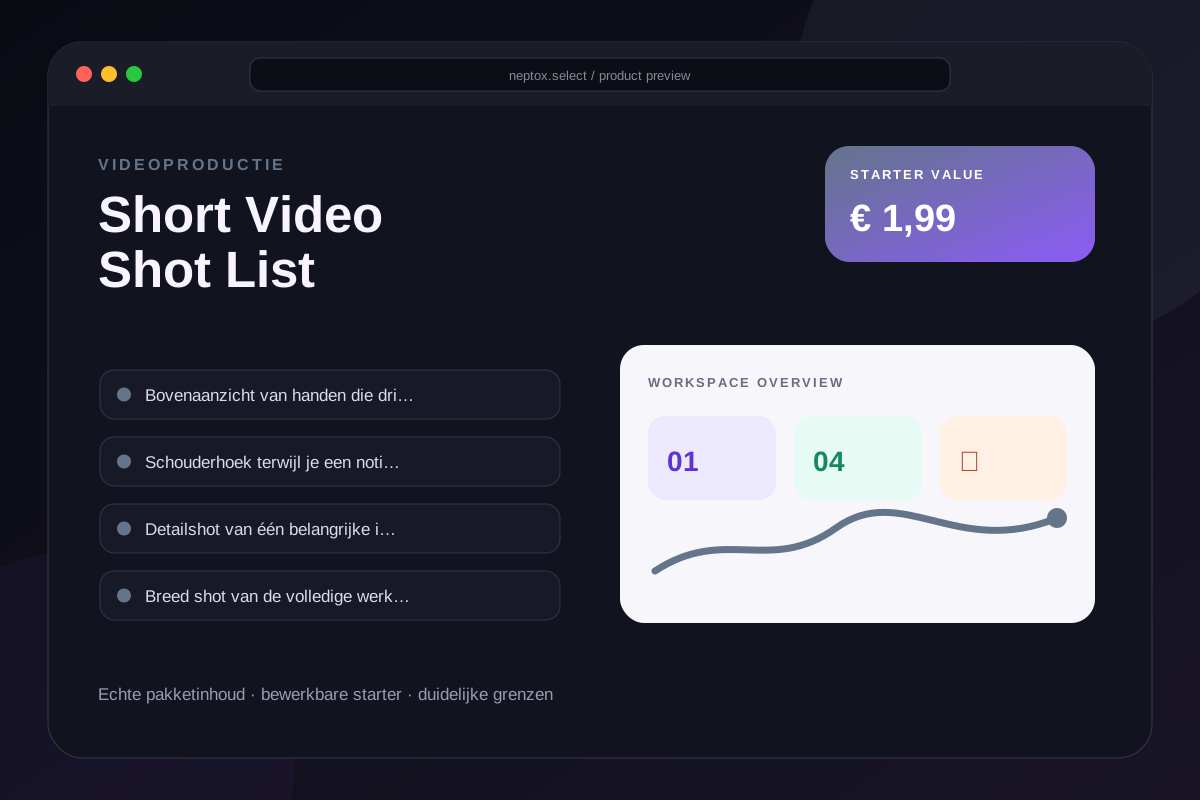
Preview the Short Video Shot List and map the four shots for your next product.
Official source · Short Video Shot List format and contents.